
AI lookbook generator
AI Lookbook Production Guide for Consistent Fashion Collections
A guide for turning sketches, product images, and references into a coherent AI lookbook series for fashion teams.
- Category
- AI lookbook generator
- Author
- DOBIDOBI Editorial Team
- Published
- Last updated
- Reading time
- 9 min read
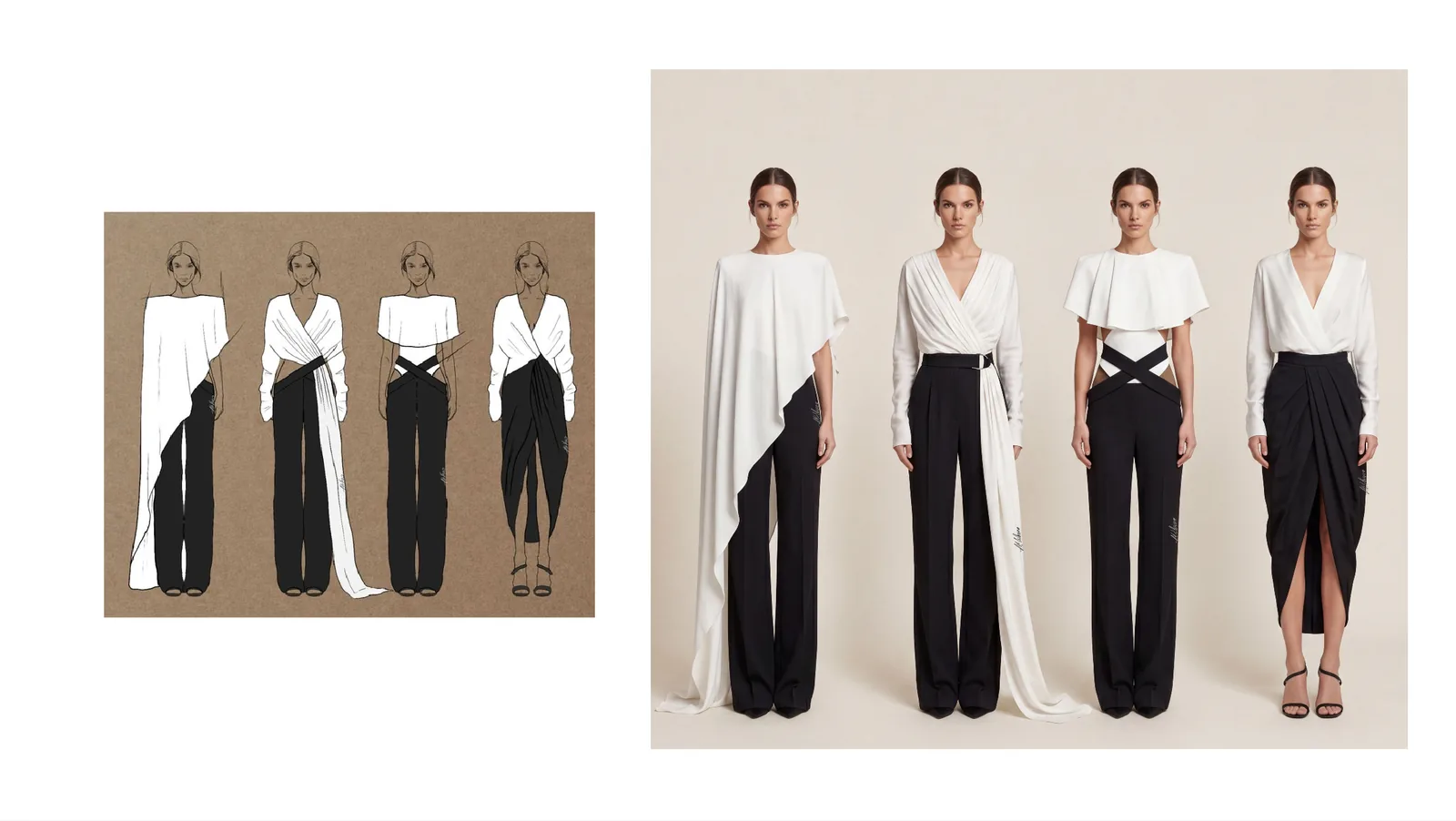
Quick answer: a lookbook is about consistency
- AI lookbooks are strongest when they turn sketches, products, and references into one coherent collection.
- Define theme, model mood, lighting, background, camera distance, and page rhythm before generating.
- Each image should serve the collection, not just look good on its own.
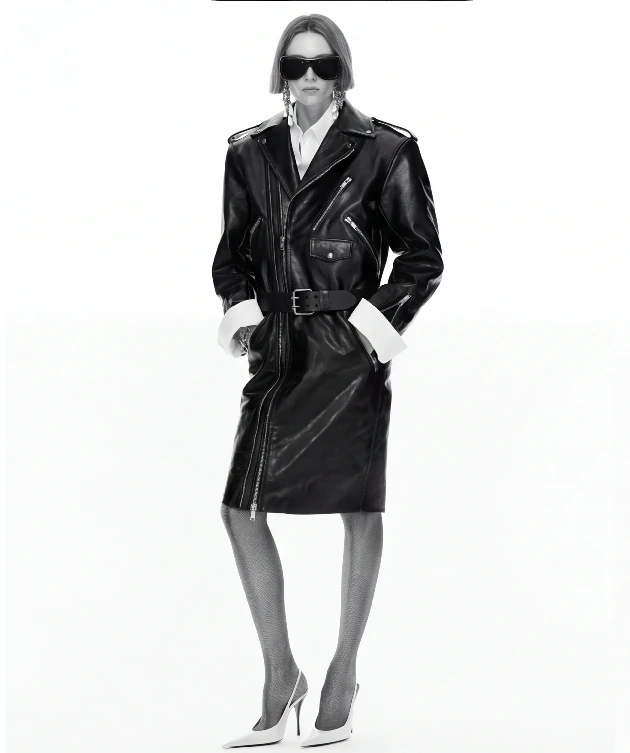
- A useful AI lookbook includes front, side, back, detail, and styling views.
What makes a lookbook feel like one collection
AI fashion content often fails when every image is attractive but the set does not feel like one brand. A lookbook explains a season: silhouette, material, scene, styling, and audience. It needs rhythm: opener, hero pieces, outfit combinations, details, accessories, and close.
Before generation, write a short collection brief with season, audience, keywords, color, scene, model mood, camera distance, and forbidden elements. That brief matters more than a single prompt.
Step 1: write the collection brief
Sketches communicate silhouette, product photos protect structure, and references control visual language. Together, they help AI stay expressive without leaving the real collection behind.
If you already have one or two successful visuals, use them as the main reference for the rest of the lookbook. The result feels closer to a single shoot instead of separate generations.
Step 2: plan the sequence
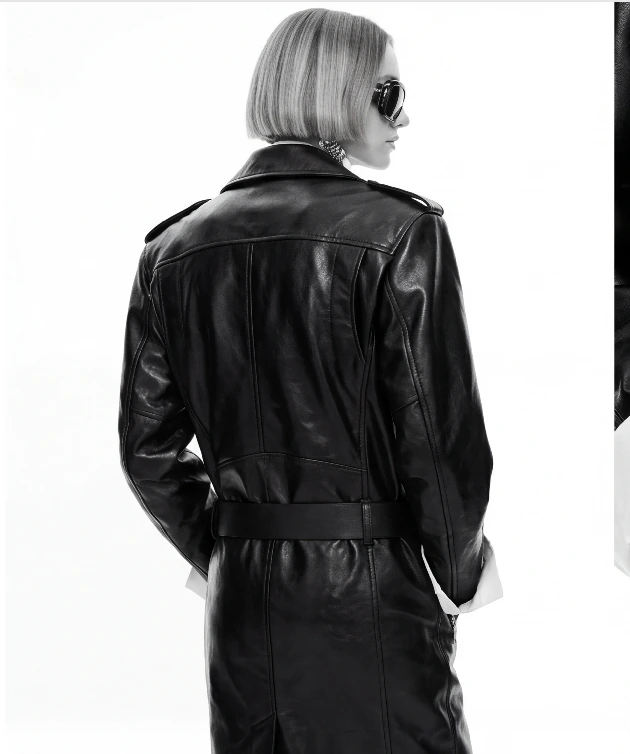
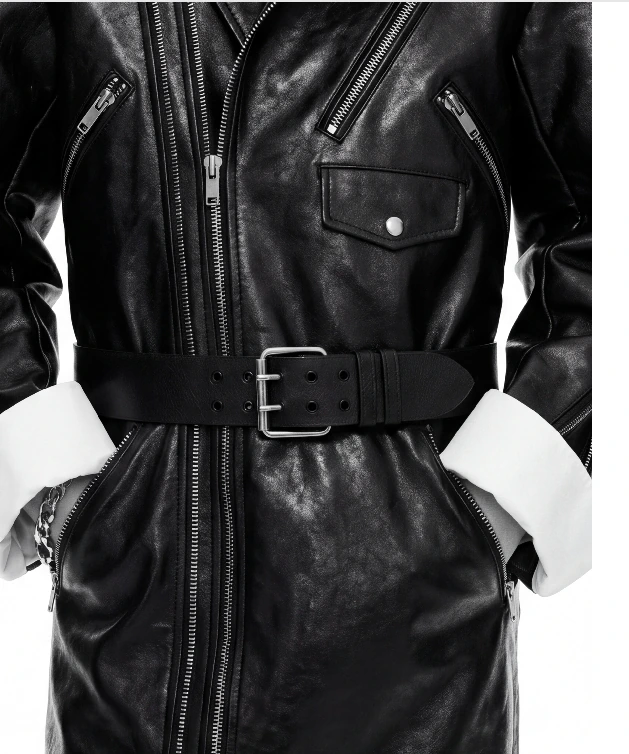
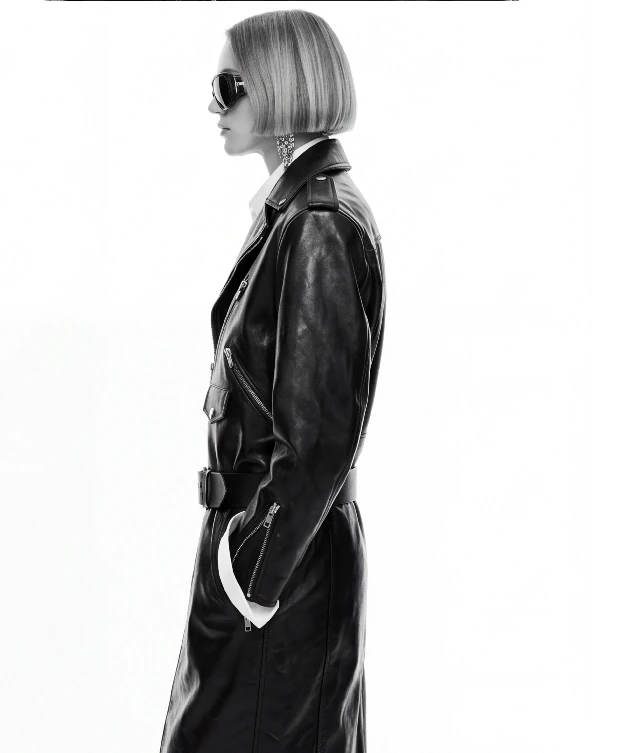
A garment needs more than a front view. Plan front full-body, side profile, back structure, detail close-ups, and styling scenes. For coats, dresses, leather, knitwear, shoes, and bags, detail images often support purchase decisions better than mood images.
AI can fill these angles quickly and become a shot list even if the final shoot is still human-led.
Steps 3–4: build a shot list and lock the visual direction
A lookbook page should include a clear title, collection summary, key product notes, material or styling explanations, FAQ, image alt text, and structured data. Lists, tables, and direct answers help readers and search systems understand the page quickly.
Connect the page to AI lookbook, AI model images, AI clothing photography, and reference image workflows so the topic cluster is clear.
Steps 5–6: review the sequence and prepare the digital experience
Look at all images together. Do the models, lighting, garment color, background density, and crop rhythm feel consistent? Does each detail image explain something useful?
Before commercial use, review likeness, reference rights, product truth, image size, and compression quality. AI speeds up the first pass, but brand owners still need final control.
Give every image a job: opener, hero product, detail, styling scene, social cover, or ad candidate. If an image has no role, it may be beautiful but difficult to use. If each image has a role, the team can see what the lookbook still needs.
File naming should follow the collection structure, such as season-lookbook-look01-front or season-lookbook-look01-detail. This makes handoff, alt text, asset management, and future page updates much easier.
Common mistakes to avoid
- Generating every look from a new prompt and ending with a collage instead of a collection.
- Using one pose and crop repeatedly, confusing consistency with duplication.
- Hiding product details behind mood and making the item commercially unclear.
- Skipping the sequence review even though page order changes how the collection is understood.
Decision table
Recommended AI lookbook page structure
| Module | Content focus | SEO role |
|---|---|---|
| Collection opener | Theme, season, audience | Align H1 and first paragraph with the main keyword |
| Hero pieces | Silhouette, fabric, styling | Cover long-tail and purchase intent |
| Multi-angle section | Front, side, back, detail | Improve image relevance and dwell time |
| FAQ/checklist | Generation, review, commercial use | Support answer extraction and conversion |
Checklist
AI lookbook checklist
- Define the collection direction before generating.
- Plan front, side, back, detail, and styling views for key products.
- Keep model mood, lighting, background density, and ratio consistent.
- Review series coherence, product accuracy, and image alt text before publishing.
FAQ
Is an AI lookbook useful for design or sales?+
Both. In design it validates direction; in sales it expands launch visuals. Publishing requires stricter review.
How many images should the first lookbook include?+
Start with 8 to 12 images: opener, hero products, angles, details, and styling scenes.
How do you avoid a collage-like look?+
Use one main reference and one collection brief to control light, model mood, background, and palette.
Turn sketches and references into a lookbook
Build the collection direction first, then extend it into angles, details, and styling scenes.
Open AI lookbook generatorKeep reading