
AI fashion model generator
How to Use an AI Fashion Model Generator for Ecommerce Launches
A practical ecommerce workflow for turning product images and references into reviewable AI fashion model visuals.
- Category
- AI fashion model generator
- Author
- DOBIDOBI Editorial Team
- Published
- Last updated
- Reading time
- 8 min read
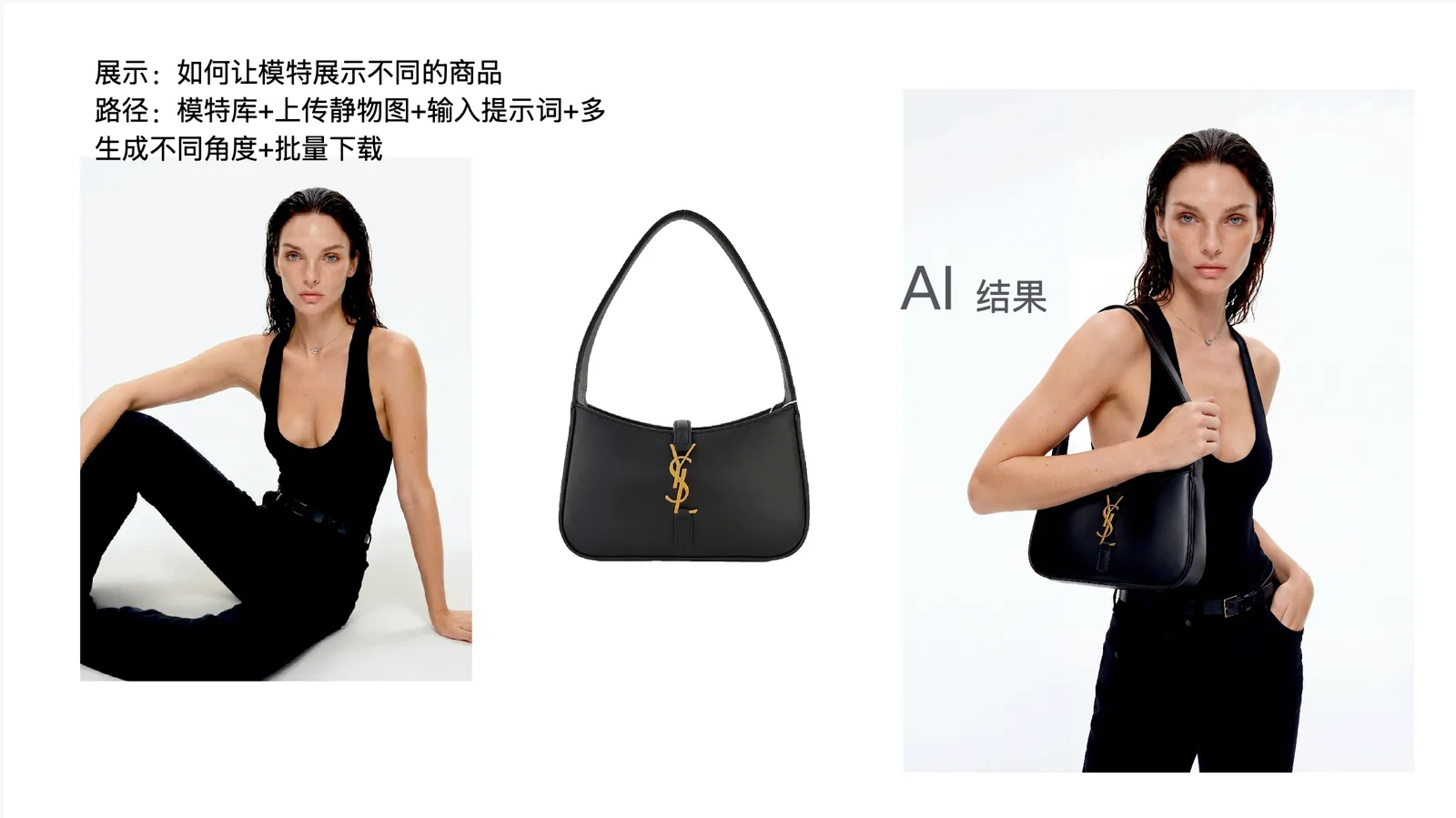
Quick answer: where AI model images actually help
- Use AI model images to validate styling, pose, visual direction, and launch assets before a full shoot.
- The most stable input is not a long prompt. It is product imagery, a model reference, a lighting reference, and a target channel format.
- Treat the workflow as launch concepting and asset expansion, not as an unchecked replacement for final product photography.
- Before publishing, review garment structure, color, material, trademarks, platform requirements, and AI media disclosure rules.
What an AI fashion model generator should help you do
People searching for an AI fashion model generator usually have a concrete ecommerce job. They already have apparel, shoes, bags, or accessories and need to see how the product could look on a model. That is more commercial than a generic AI image search because the question is about launch speed, visual consistency, and reviewability.
The useful answer is not simply “AI can create models.” A brand team needs to know what to upload, how to control the result, what can go wrong, and when the image is ready for design review, ecommerce, social content, or a real shoot brief.
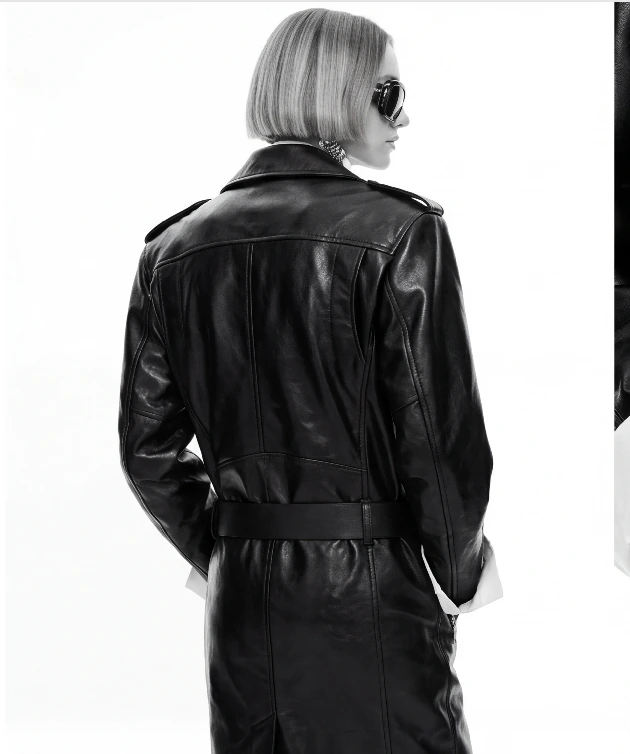
Step 1: prepare the garment image
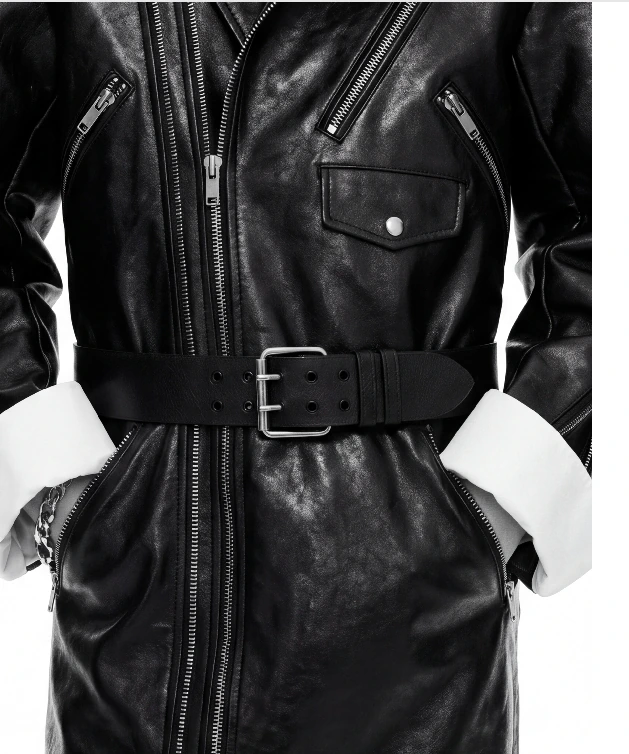
Fashion model generation fails most often when the garment changes shape, the material becomes fake, or the brand mood drifts. Start with a clear product image, a model or pose reference, and a lighting or scene reference. For structured garments, include front, back, detail, and material close-ups when possible.
The product image should be clear rather than over-retouched. The reference image should define one direction: studio ecommerce, resort editorial, black-and-white campaign, or social cover. Mixing several moods in one prompt usually creates weaker output.
Step 2: define the model and launch context
A blank prompt can create a nice single image, but it rarely creates a coherent launch set. A direction-first workflow gives the model stronger constraints: camera distance, light direction, pose, background density, color temperature, and styling attitude.
That is where DOBIDOBI is different from a generic generator. The reference is not decoration; it is the production brief. Once a direction works, the same product can continue into more angles, ratios, and channel-specific assets.
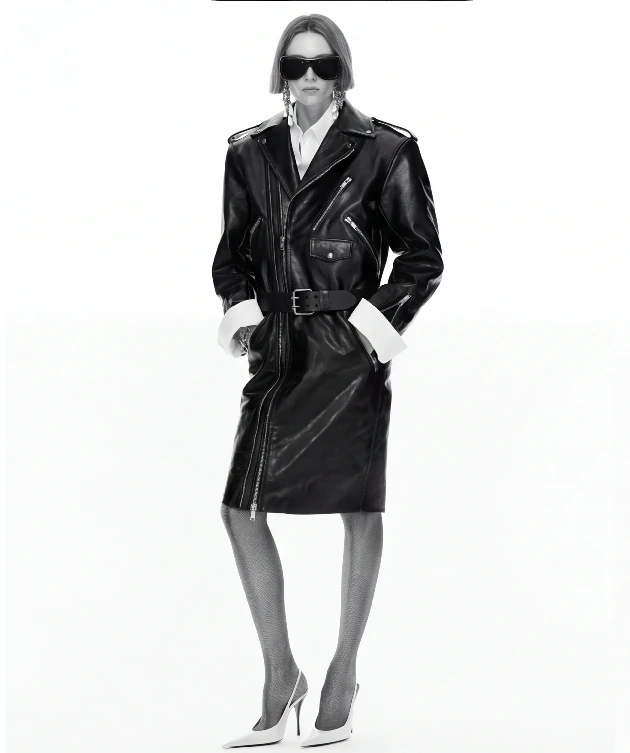
Step 3: generate directions before producing volume
AI model visuals can speed up exploration, but review is still mandatory. Check color, material texture, buttons, zippers, logos, body proportions, product visibility, and whether the background steals attention from the item.
If the asset will be used in ecommerce or ads, compare it with the relevant platform rules. Product feeds, additional images, lifestyle images, and ad creatives each have their own expectations. AI output is the start of the workflow, not the end of compliance.
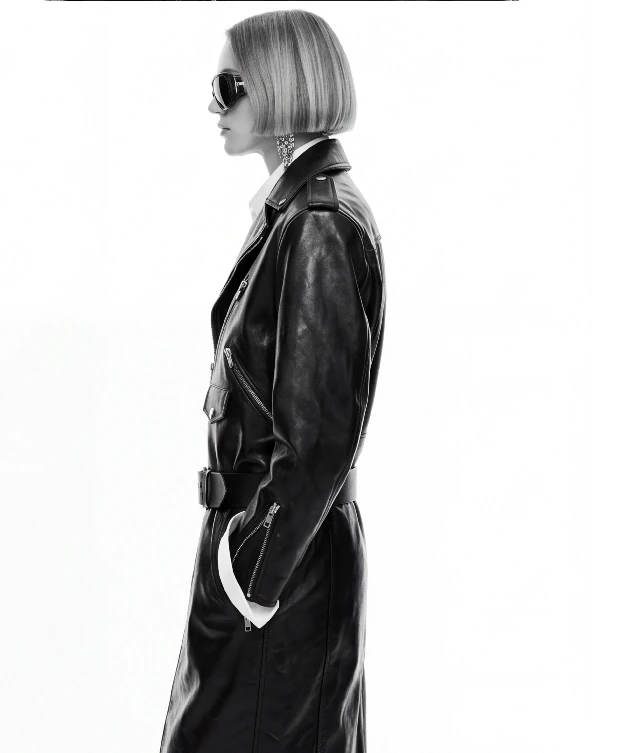
Step 4: review the garment before the model
The healthiest use case sits between design review, content planning, social previews, and shoot briefing. Designers review silhouette and styling, ecommerce teams compare hero image directions, content teams create social variations, and photographers use the selected results as a shot list.
The commercial value is not one surprising image. It is a repeatable visual set: same product, same model mood, same seasonal direction, multiple angles, and multiple channel ratios.
Step 5: build a coordinated launch set
If you only need one concept image, many image generators can help. If you need a launch set with consistent model images, product shots, lookbook frames, and ad variations, a direction-first workflow is more useful.
Start with a precise task such as “generate four reviewable model angles for this leather jacket.” That creates a usable output. “Make something beautiful” usually creates more random attempts.
Common mistakes to avoid
- Generating before defining the use case. Listing, lookbook, ad, and social images need different decisions.
- Approving the mood before the garment. Attractive lighting cannot compensate for a changed product.
- Changing too many variables at once, making it impossible to learn what improved the result.
- Publishing without human review or appropriate synthetic-media disclosure.
Decision table
How AI model images fit the ecommerce workflow
| Stage | What AI helps with | What humans must review |
|---|---|---|
| Design review | Preview fit, styling, and model mood | Garment structure and silhouette accuracy |
| Launch preview | Create social covers and campaign directions | Brand tone, rights, and trademark safety |
| Product page | Add lifestyle and angle variations | Color, material, sizing, and platform rules |
| Ad testing | Expand scenes, ratios, and moods | Safe areas, claims, and disclosure requirements |
Checklist
Pre-publish checklist
- The collar, sleeve, waistline, hem, shoe shape, or bag shape has not been changed by AI.
- The asset has a defined use: product page, social, ad, or internal review.
- If used in a product feed, image size, clarity, file format, and AI metadata are reviewed.
- Internal links connect this article to AI model images, product photography, lookbook, and video pages.
FAQ
Can AI model images be used directly as ecommerce hero images?+
They can become candidates, but final publishing should include product accuracy, platform, rights, and brand review.
Can one product image create a model try-on visual?+
It can start the workflow, but a pose or style reference makes the output much more controllable.
How is DOBIDOBI different from a generic generator?+
DOBIDOBI is designed around visual series creation, so one direction can continue into multiple angles and channel assets.
Generate a reviewable AI model image set
Start with one product image and one visual reference, then create angles that your team can actually review.
Open AI fashion model generatorKeep reading